Prototype: code_note
Key Attributes

Code-note key attributes.
Map View
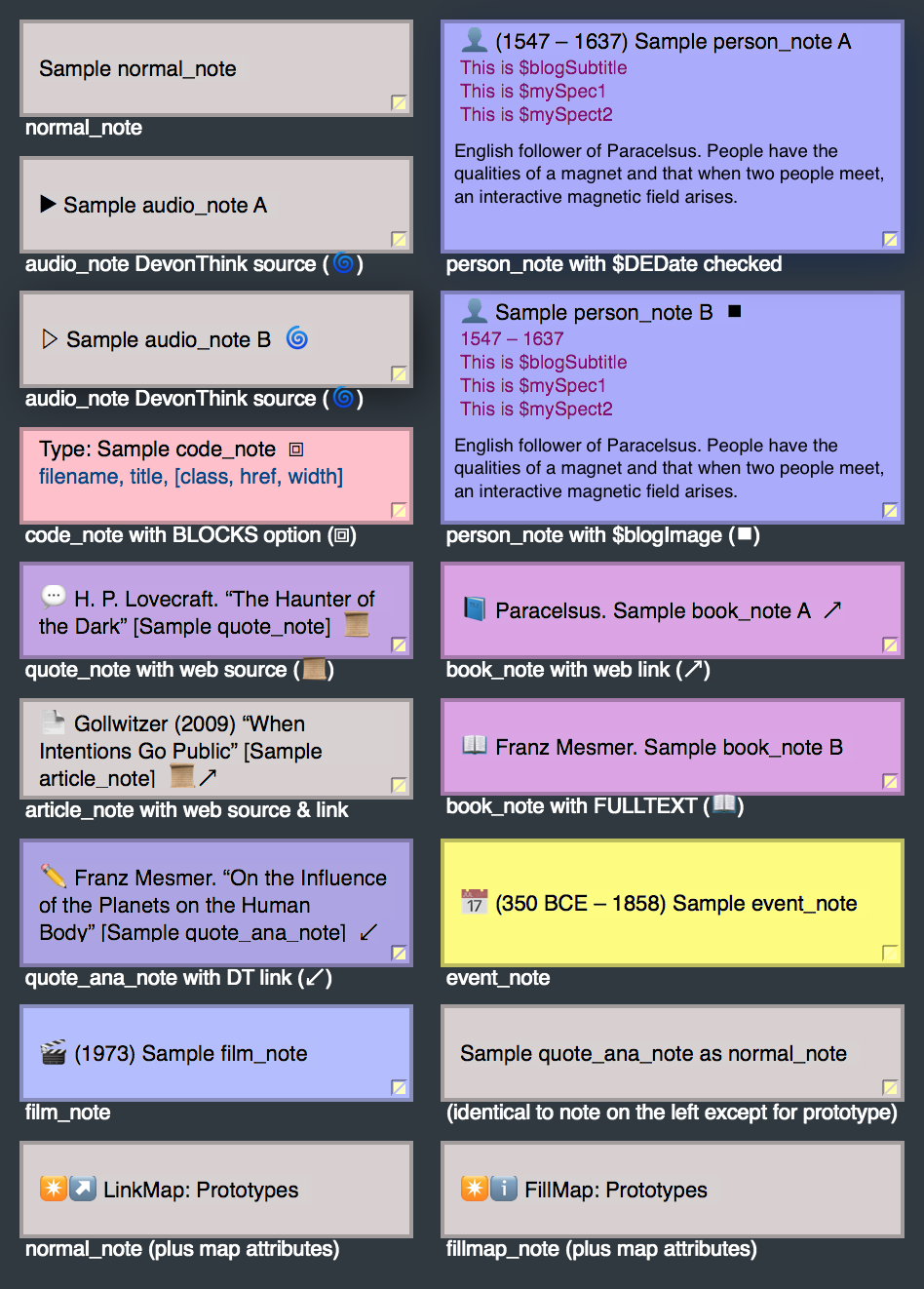
Code-note inside Map View.
Outline View
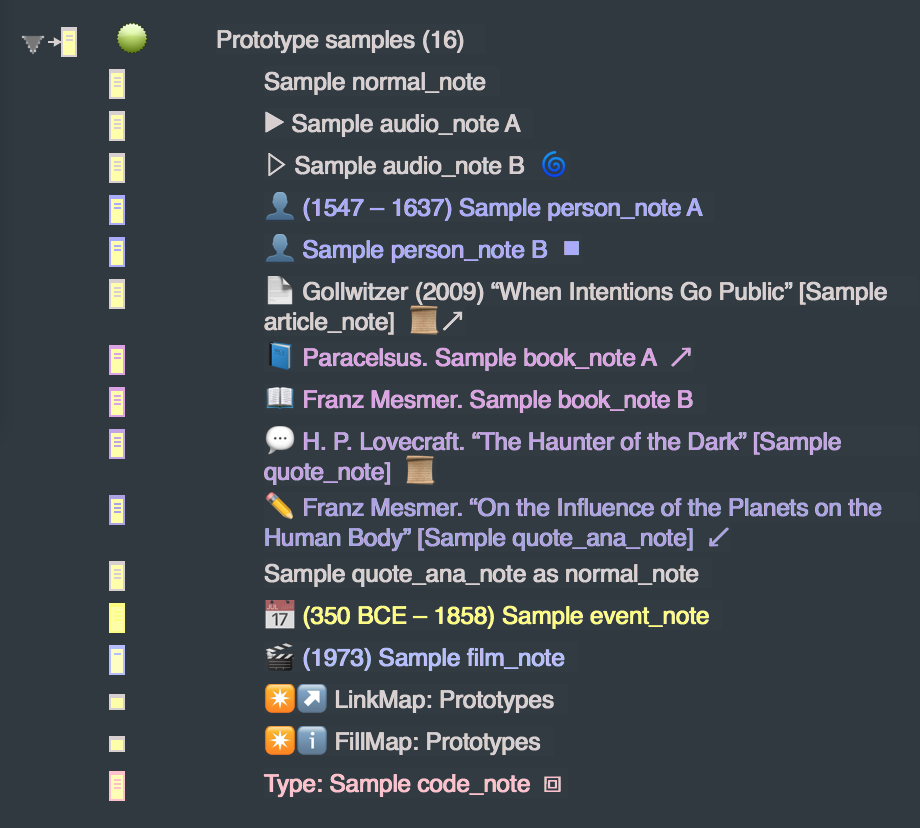
Code-note inside Outline View.
SmartButton
Sample code_note
Scope: This is my scope
Syntax: Arg1, Arg2, [OptionalArg3]
Notes of this prototype export as code documentation entries.
- The name of the note exports in monospace inverse.
- Prepended to the note name is the
$codeType. - Below this is the syntax for the code being defined, exported in
code style. This string is taken from $codeSyntax, and only exports if set.
Code-notes are compiled by default on the assumption that the only sub-notes they would contain are examples, which you would want to see on the same webpage.
Its key attributes are set to take advantage of the PreSource macro. Put a name or path of the note you are describing in the $codeSource key attribute and you can export any attribute code with a one-argument macro.
BONUS: If $codePurpose is set to _macro, the $codeSyntax string gets surrounded by ^do( and ).
SmartPanel
|
Sample code_note |
Syntax: Arg1, Arg2, [OptionalArg3]
My name is Sample code_note. This is dummy text. The purpose of all this is to show how such a note gets embedded inside your layout. Below is some plausible Tinderbox code. This is dummy text.
Hover below to reveal BoxPress code
Here is some plausible Tinderbox code. ^do(_striptags, "$2")^<figure ^if($3)^class="center-block $3"^endIf^><a target="_blank" href=^if($4)^"$4"^else^"^root^img/$1"^endIf^><img src="^root^img/$1" alt="^value($tmpStr1(_stripnote))^" title="^value($tmpStr1(_stripnote))^" ^if($5)^width="$5"^endIf^ class="img-responsive center-block well well-sm ^if($3)^^value("$3".replace("(img-left|img-right)","))^^endIf^"></a><figcaption>$2</figcaption></figure>"
Webpage
Here you can see how code_note exports as a webpage:
Export of code_note as webpage:
Subsection