Banner Widget: website title and subtitle
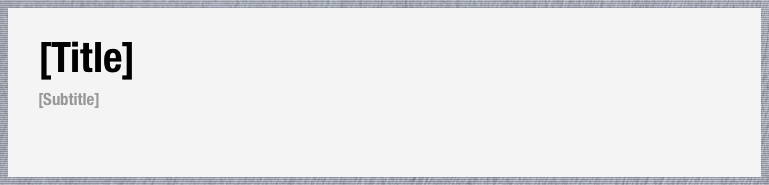
The Banner Widget
Open the Banner Widget (dashBannerWidget) to change:
- Banner — The Banner background color.
- Banner title — The Banner title text (note: BlogTopNote will change its display name when you do this); title font family, size, boldface, and color; and title shadow CSS string (leave empty for none).
- Banner subtitle — The Banner subtitle text; font family, size, and color; and subtitle shadow CSS string. As of version 1.8, you can also add subtitle background. The CSS can contain up to two strings, separated by semicolon. The first string is the background attribute. The optional second string is overlays the first, allowing for endless creative possibilities.
The Banner Widget is also the place to activate the BannerImage.png and BannerTexture.png images you have stored in the currently selected Theme Folder. If you would like to use the background image (BannerImage.png) or background texture (BannerTexture.png) you have stored in your default Theme Folder, do the following:
- To activate the Banner’s optional background image add BKG-IMAGE to the
$bpBkgOptattribute. - To activate its optional background texture, add BKG-TEXTURE to the
$bpBkgOptattribute. - If you have a class of your own that you’ve added to one of the CSS notes, use that classname.
What’s the best size for the Banner background image?
The best size for your Banner image is 1460 x 410. The aspect ratio should not exceed 3.5:1. If the ratio of width to height is too great, a space will appear under the Banner. To prevent this, just add the BKG-YFIT to the
$bpBkgOpt attribute. This will make the image is vertically flush without stretching it.You can also suppress the inclusion of the Banner:
- Unchecking
$IncludeInExportwill remove the Banner from all webpages.

The Banner Widget. Setting $DisplayExpression sets the Banner title of your blog. Everything else is self-explanatory.
For more info on backgrounds, see here: Banner Widget: website title and subtitle.