PostBody Widget: font, border, background, and shadow
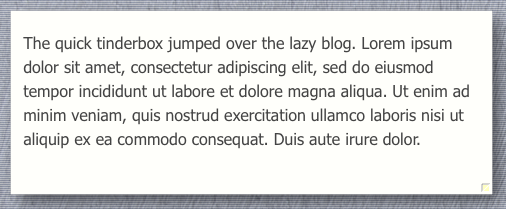
The PostBody Widget
Use the PostBody Widget (dashPostBody) to:
- Set
$NameFontand$NameColorto set the font-face and color for all body text. - The font-size is set via the Mac OS Font Panel (use ⌘T to invoke).
- Set your preferences for the three hypertext link options. Following the famous University of Hamburg study, BoxPress does not use underlines for links by default, but they will appear during hover. To eliminate the hover underline, assign a color to
$LinkHoverBkg, which will apply a background color instead. - The Main Text area background is always white unless some background option (color, texture, or image) has been activated. Then the Main Text area appears on a bordered “Pad“—and
$Colorand the two$Border…attributes kick in. And if the CARD background option is active, then text appears on a floating “Card”—and the three$Shadow…attributes kick in as well. -
$Opacitysets the opacity of the Pad text area, while$CardOpacitysets it for the Card text area.
Reminder
To activate your border and shadow settings, add CARD to the
$bpBkgOpt of the prototype, category, or note you want affected.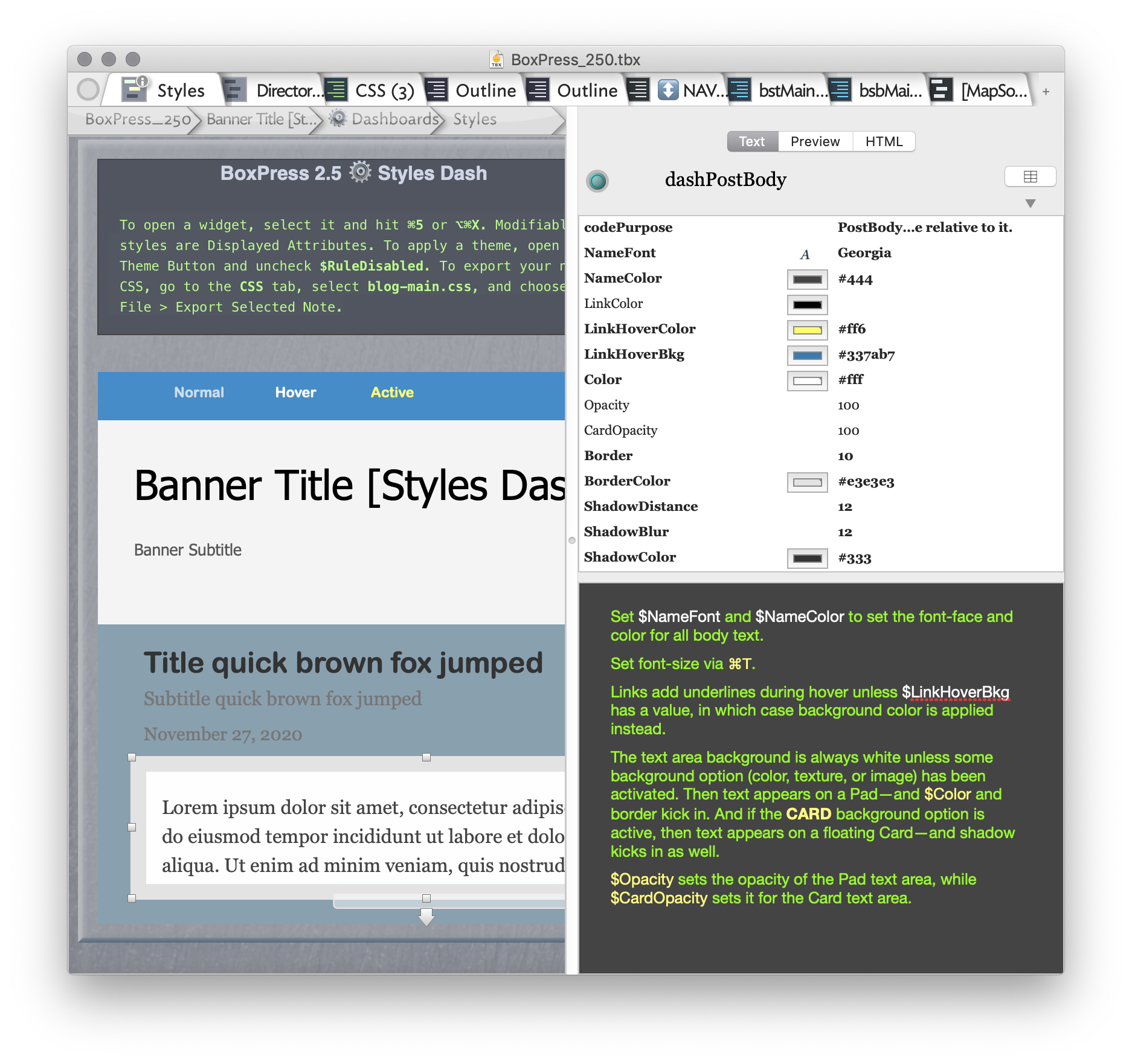
The color, border, and shadow effects are toggled by setting the relevant notes’ $bpBkgOpt to CARD.